Milky Way planner
Find the best nights to photograph the Milky Way.
Still Dark scores the next 45 nights for your location on hours of true darkness, Moon interference, how high the galactic core gets and cloud. It shows when the core rises tonight, and the 360° sky shows where it will be at any minute of the night. It runs on iPhone, iPad and Mac.

What a good Milky Way night needs
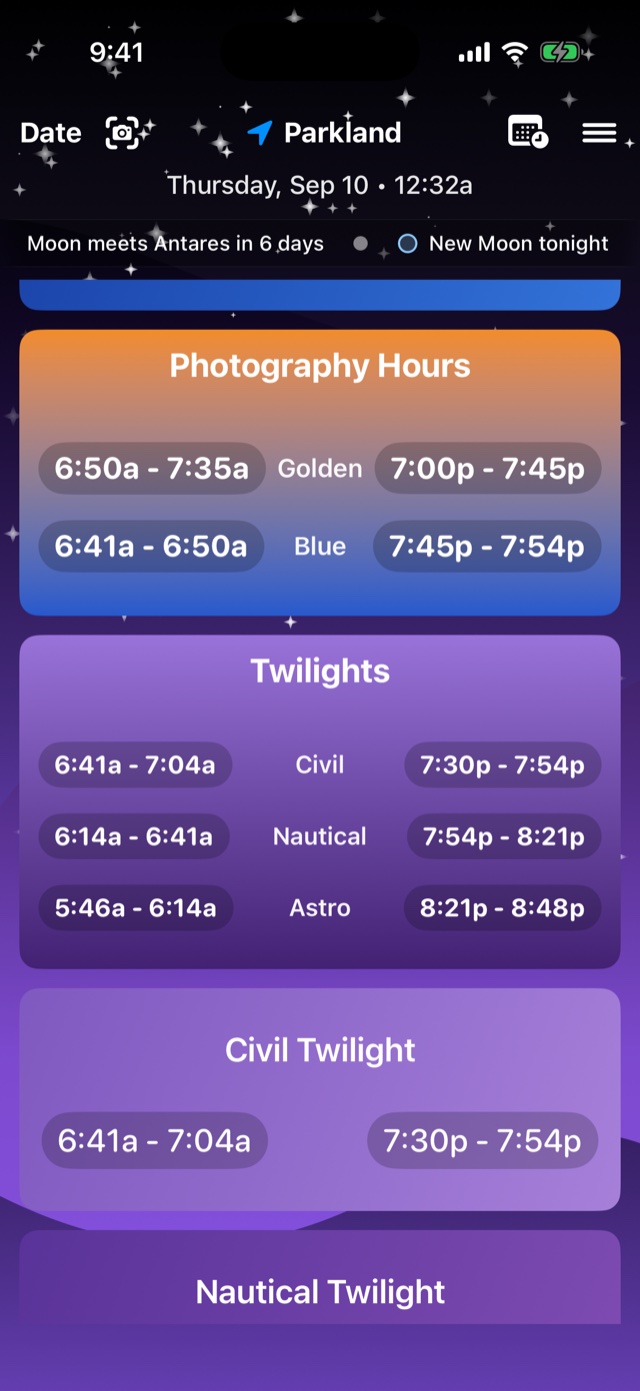
Four things have to line up: the sky has to be fully dark (after astronomical twilight ends), the Moon has to be down or very thin, the core has to be above the horizon, and the sky has to be clear. Any one of them missing and the core comes out faint or grey. Working that out by hand for each night takes a while. Still Dark does it for every night in the next 45 and ranks them.
What you can plan
- The best nights. Each of the next 45 nights is scored on hours of true darkness, Moon interference, core altitude and cloud. Sort by best, by date, by Moon or by dark hours, and tap a night to plan it.
- The hour to shoot. When astronomical twilight ends, when the Moon sets, when the core rises and when it's highest.
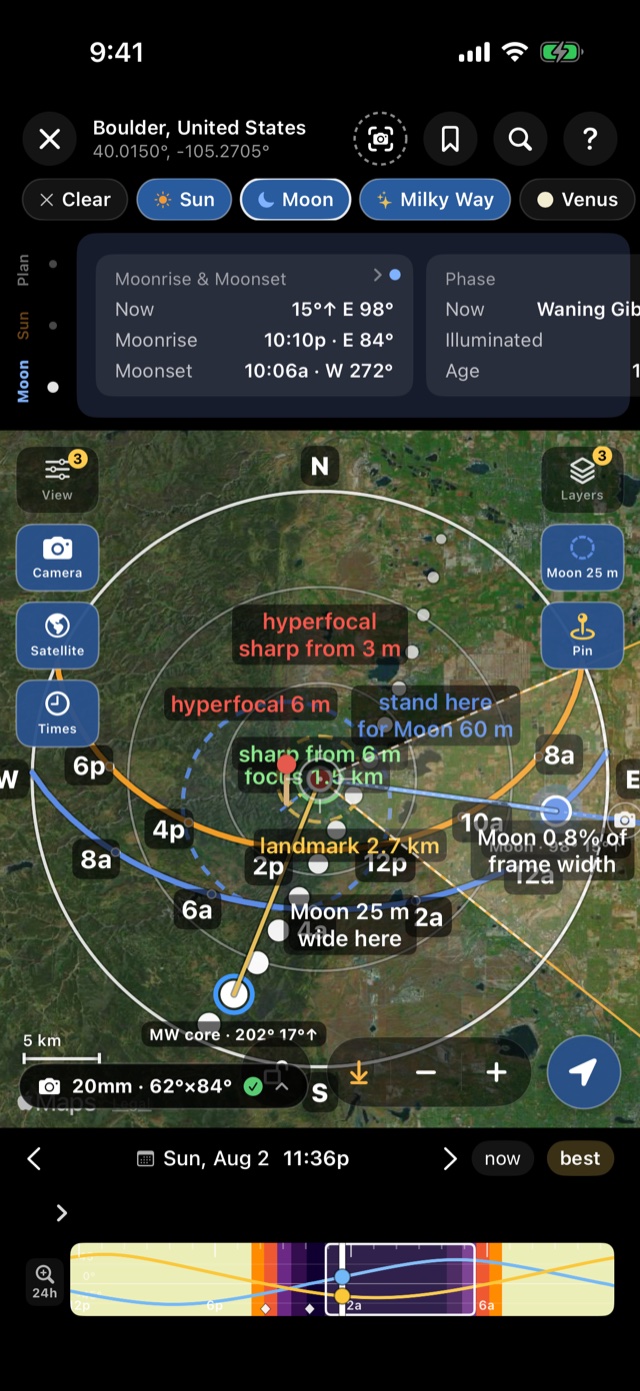
- Where the core will be. The 360° sky shows the Milky Way band at any time, and the planner draws the core's path across the map so you can line it up with your foreground.
- How dark the site is. A dark-sky map of the whole world, colored by Bortle class, and a light-pollution estimate for the place you pick.
- Whether it will be clear. Tonight's dark window with a score, low, mid and high cloud shown separately, plus transparency, smoke and dew point (Pro).
How to plan a Milky Way night in Still Dark
1. Pick the place. In the planner, pan to your spot and press Observe from here. Turn on the dark-sky map to compare nearby sites.
2. Pick the night. Tap the magnifier, then Milky Way. The list ranks the next 45 nights. Tap one to load it.
3. Frame it. Choose the Milky Way chip to draw the core's path across the map. Turn on Camera and pick your lens to see the field of view.
4. Check the weather. A day or two out, look at the cloud layers and the stargazing score for that night.
5. Save it. The bookmark saves the plan and a reminder tells you when to go.
When the season runs
From the northern hemisphere the core is visible from about February to October, and the best months are May to August. Early in the season it rises after midnight. By midsummer it's up at dusk. In the southern hemisphere the season runs from late January to November and the core passes high overhead. The full guide covers the settings and a step-by-step routine: How to photograph the Milky Way.
Free and Pro
The free version covers tonight for any place you choose. Planning any other night, the camera tools and weather forecasts need Pro. See what's in each.