Plan the light. Own the dark.
Plan the perfect Sun, Moon and Milky Way photo.
Know where the Sun, Moon, stars and Milky Way will be. Plan where to stand, pick the best night and check the observing conditions, all in one app for iPhone, iPad, Mac and Android.



See how it works ↓ On iPhone, iPad, Mac & Android
iPhone 17 Pro
01 · Moon and Sun alignments
Line up the Moon or Sun with a landmark.
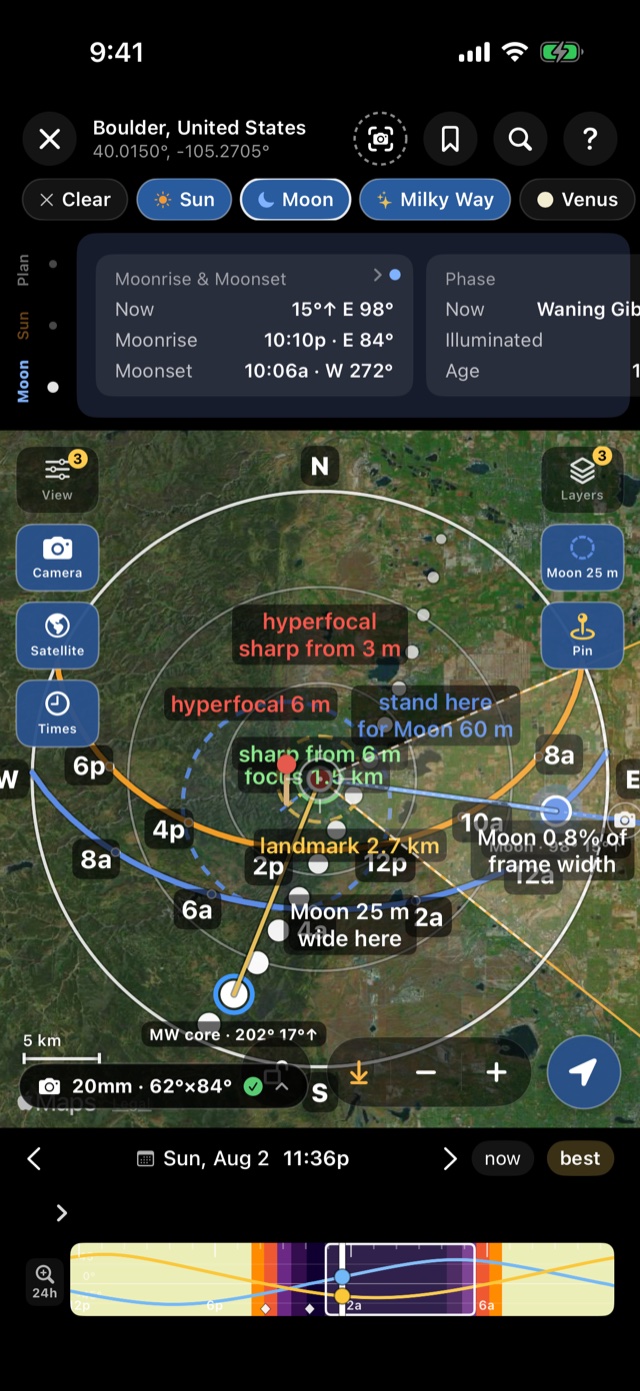
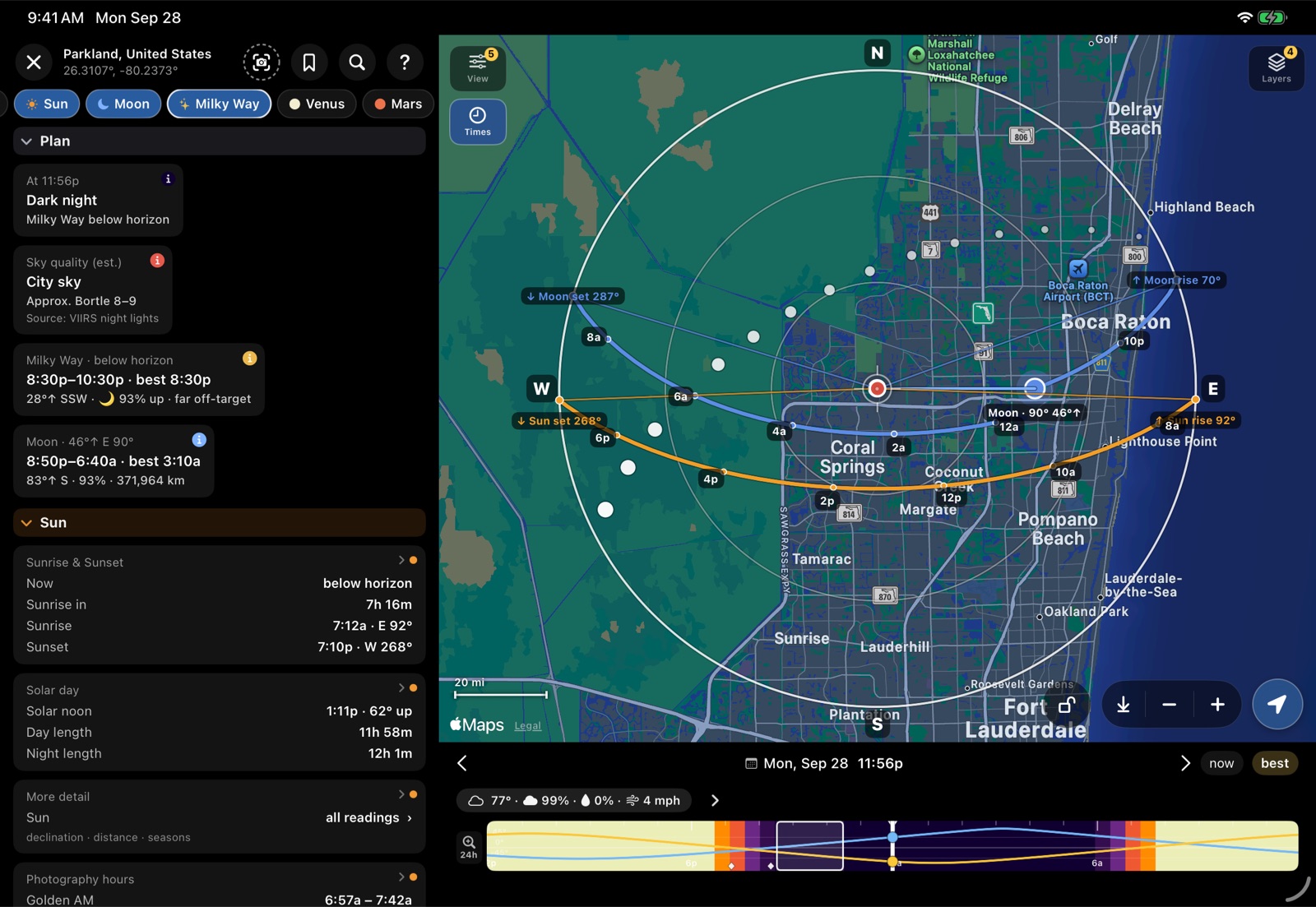
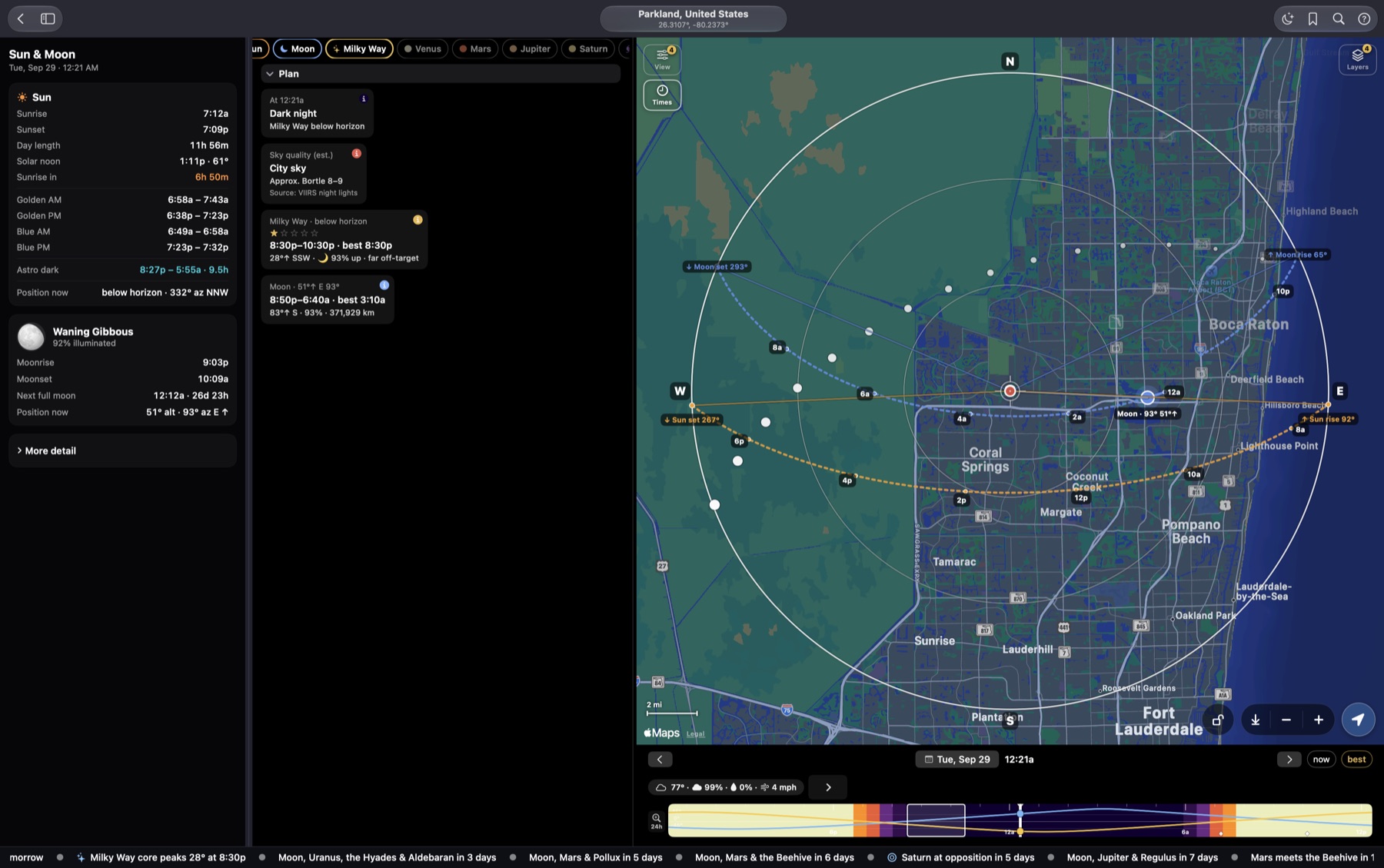
Drop a pin on the landmark and the planner draws the Sun and Moon paths across the map for your date. Pick a camera body and lens and it shows your field of view, where to stand, and how big the Moon will be in the frame.
- Moonrise, moonset and sunrise times and directions, to the minute, with refraction and parallax included.
- Where to stand for a 200 ft Moon behind the landmark, and how big it will be with your lens. Hyperfocal and depth of field too.
- A map lock, so you can pan and zoom the map without moving your observer position.
How the Moon planner works Guide: a huge Moon behind a landmark
02 · Milky Way nights
Pick the night the Milky Way is at its best.
Best Milky Way nights scores the next 45 nights for your location on hours of true darkness, Moon interference, how high the core gets and cloud. The 360° sky then shows where the core will be at any minute of the night.
- When the core rises tonight, when astronomical twilight ends, and when the Moon sets.
- The 360° sky at any time, with the Milky Way band, so you can see where the core will sit over your foreground.
- A dark-sky map of the whole world, colored by Bortle class, and a light-pollution score for the place you pick.
How the Milky Way planner works Guide: photograph the Milky Way

03 · Arrive ready
Check the forecast, save the plan, get a reminder.
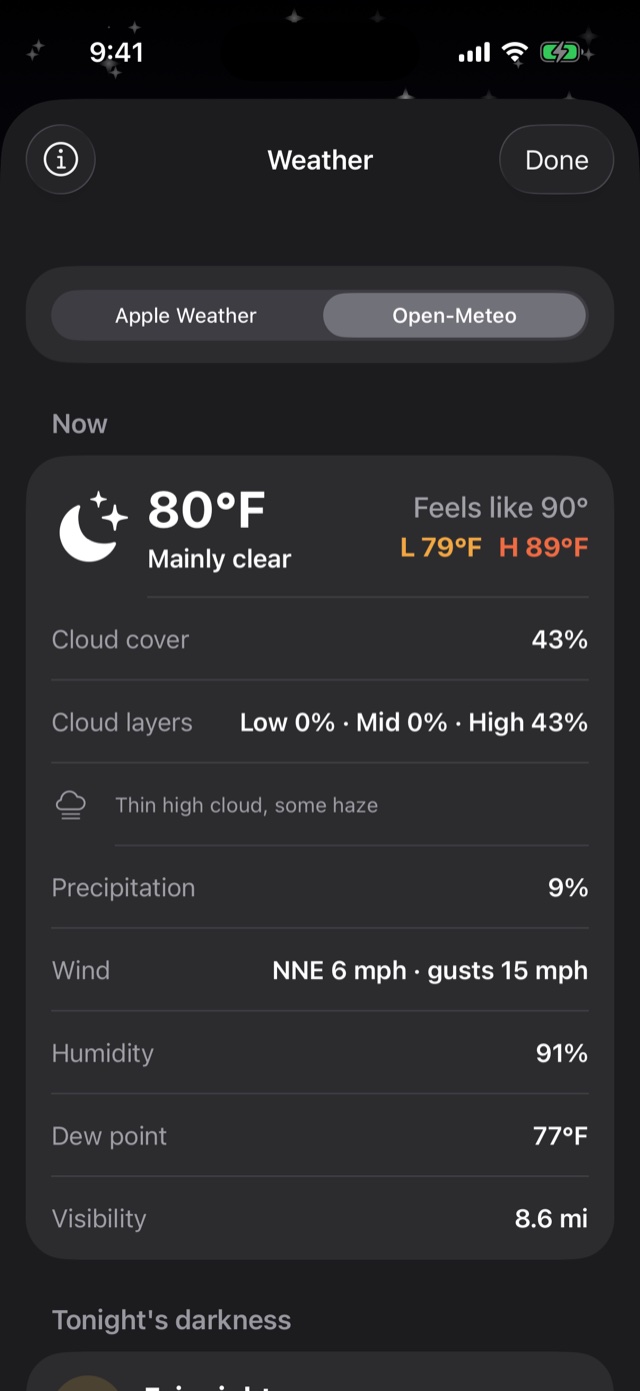
Before you drive out, check the cloud forecast by layer. Low, mid and high cloud are shown separately, because thin high cloud can spoil a shot on a night the forecast calls "clear." Then save the place, date and target as a plan, and the app reminds you before it starts.
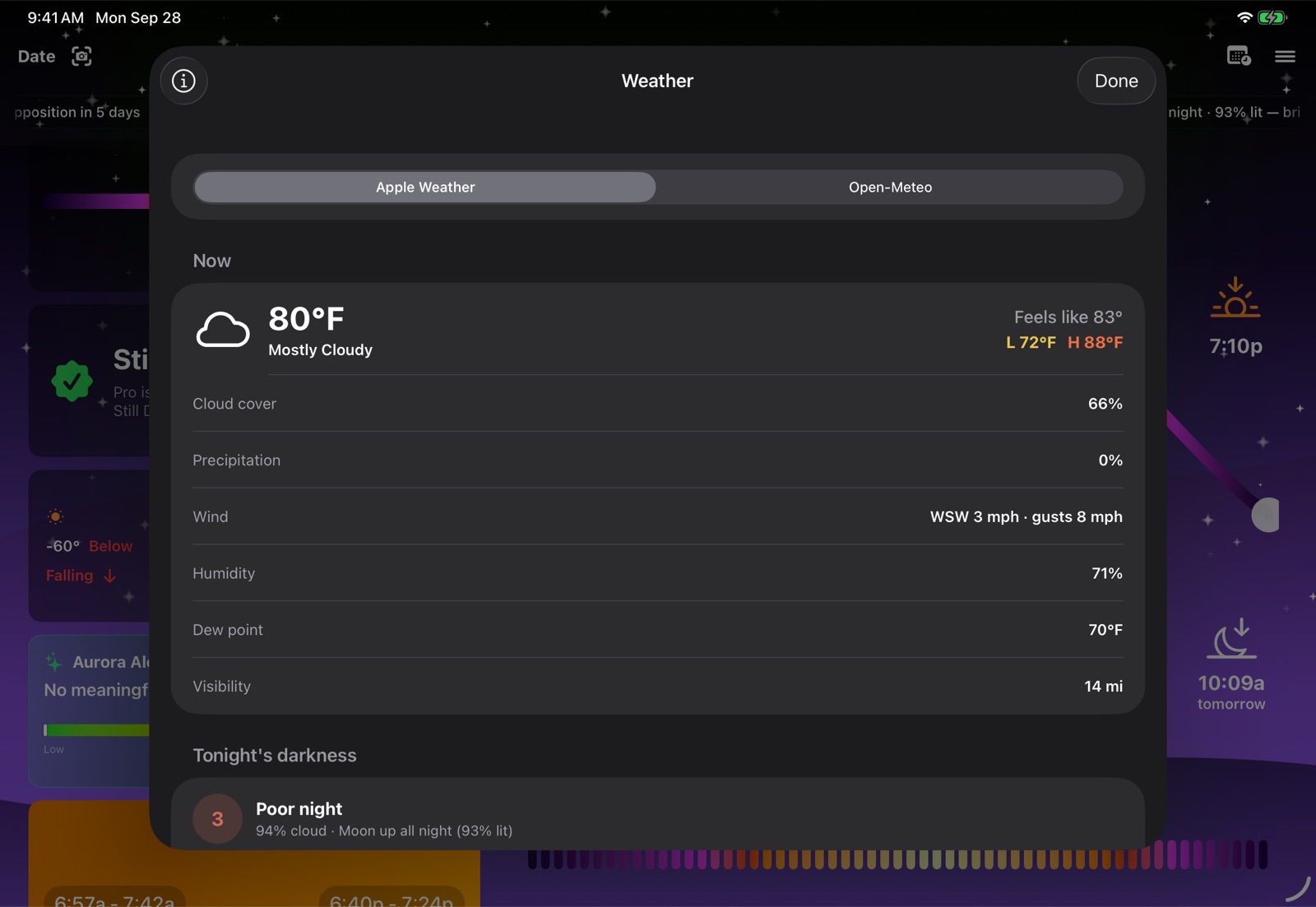
- Layered cloud cover hour by hour in the planner, across several weather models, with transparency and wildfire smoke. The Weather card adds dew point and wind.
- Tonight's dark window and one stargazing score, from Apple Weather and Open-Meteo (more providers coming soon), cached so you still have it without a signal. Forecasts are part of Pro.
- Saved plans that sync through iCloud, with reminders, a calendar entry and directions in Maps.
Try it now
Tonight's sky times for your location.
This panel is calculated in your browser from your location. It shows sunset, golden hour, when full darkness begins, and tonight's Moon. Still Dark does the same for any place and any date, to the minute, with refraction and parallax included.
Free and Pro
Explore today's sky for free. Plan your next shoot with Pro.
Everything for today is free, for any place you choose. Pro adds any other date, favorite places, unlimited saved plans, camera tools and live forecasts. The yearly plan starts with 7 days free. Current pricing is shown in the app.
| Feature | Free | Pro |
|---|---|---|
| Sun, Moon, twilight and sky events for any place, today | ✓ | ✓ |
| 360° planetarium and AR sky, today | ✓ | ✓ |
| Planner for any place, today | ✓ | ✓ |
| Any other date, past or future | — | ✓ |
| Saved plans, synced with iCloud | 2 | Unlimited |
| Full rise, set, transit and altitude detail for planner objects | — | ✓ |
| Favorite and recent places | — | ✓ |
| Camera tools: field of view, depth of field, subject recipes | — | ✓ |
| Reorder and hide home cards | — | ✓ |
| Offline star and deep-sky catalogues, every star drawn | ✓ | ✓ |
| Details for any faint star in the catalogue | — | ✓ |
| Live weather forecasts and cloud layers | — | ✓ (subscription; Lifetime: first year, then the Weather Pass on Apple devices) |
On Apple devices, purchases go through Apple and work on every iPhone, iPad and Mac signed in with the same Apple Account. On Android, they go through Google Play. Purchase questions →
The full toolkit
Everything else in the app.
Twelve tools in one app.
Sun & light
Sunrise, sunset, golden hour, blue hour and every twilight, to the minute, for any place and date.
Moon
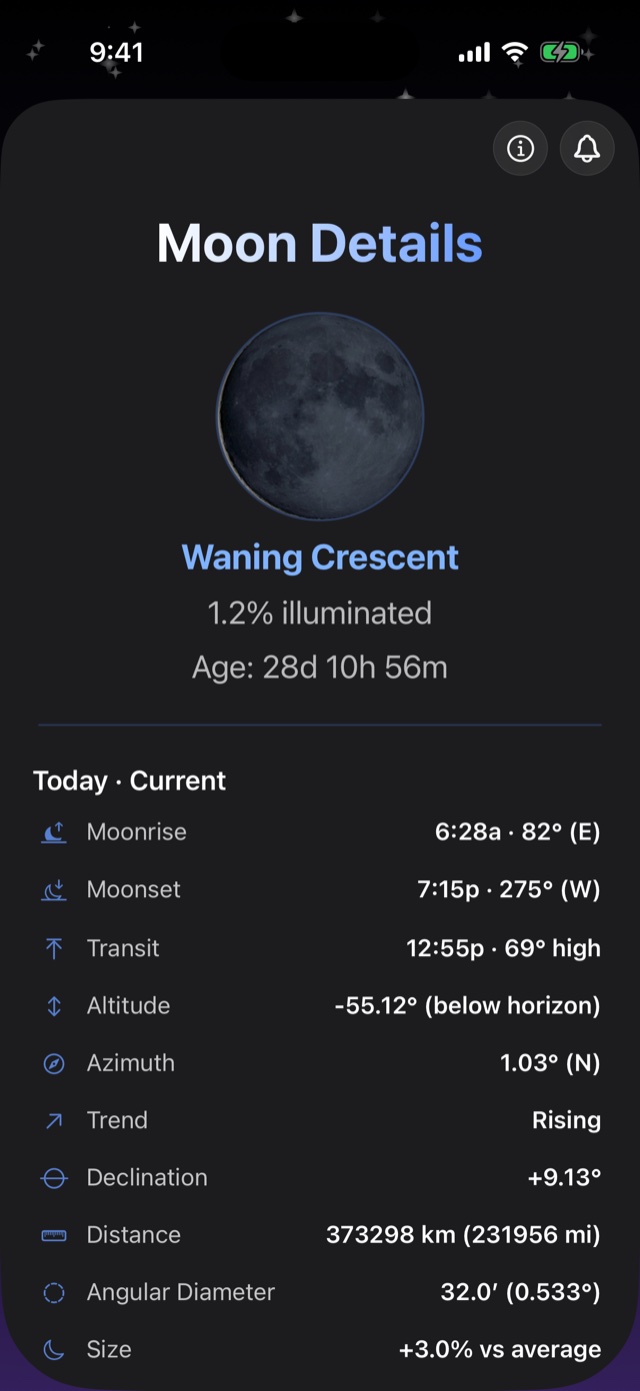
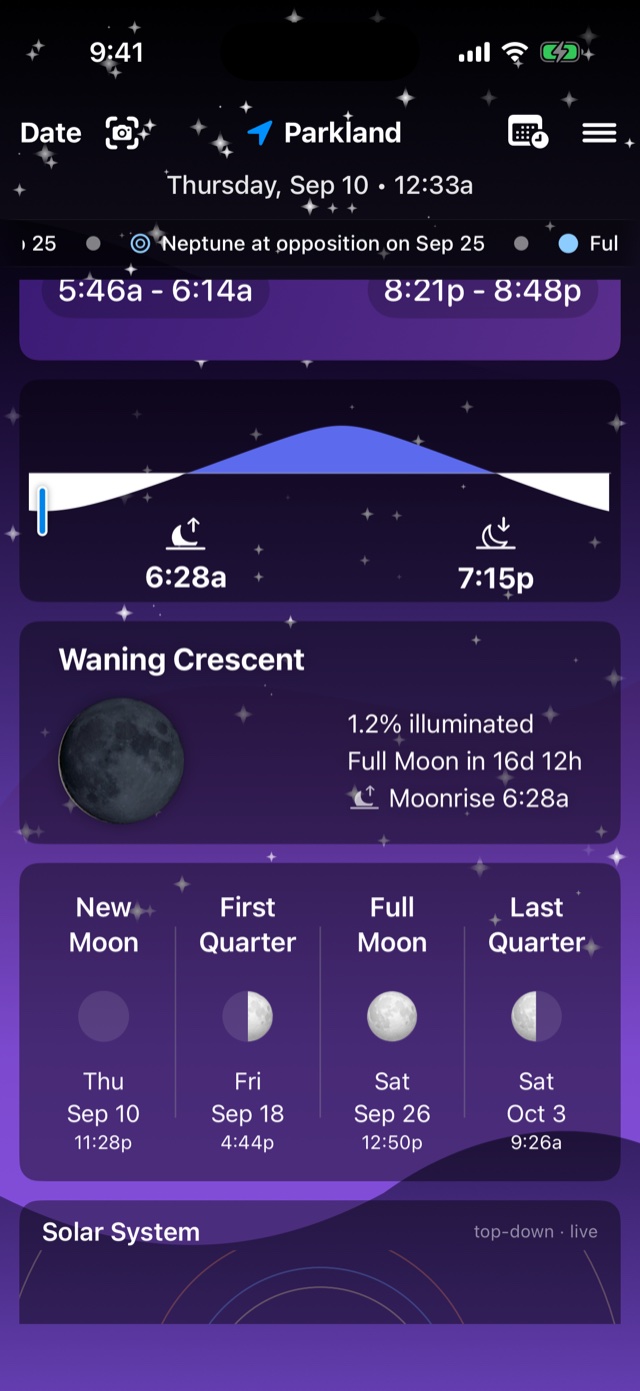
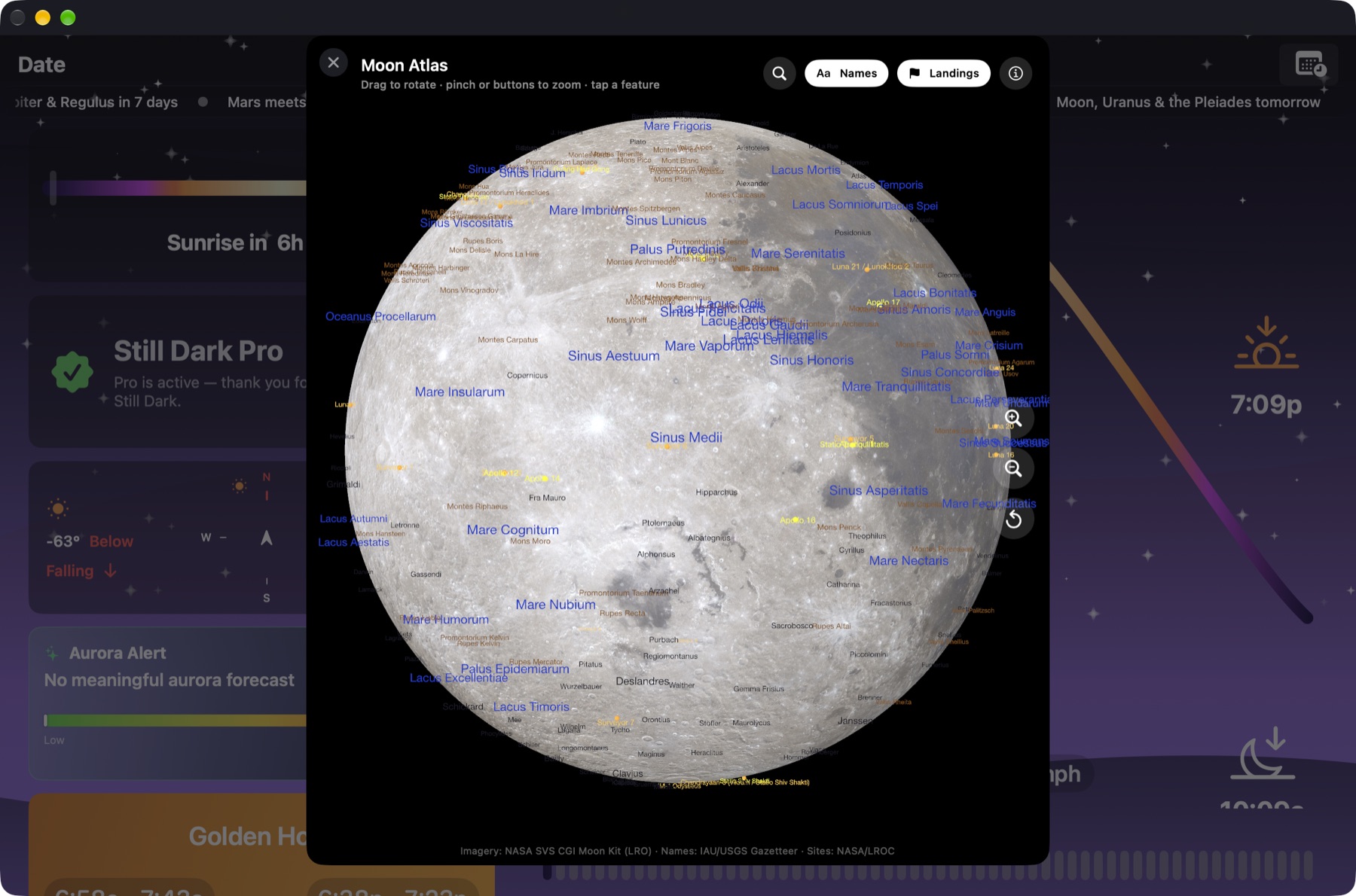
Phase, illumination, age, rise, set and transit with azimuths. Also libration, distance and the next four phases.
360° planetarium
Millions of stars, constellations, the Milky Way and about 740 deep-sky photographs. Tap any object for its details.
AR sky
Hold up your iPhone and see everything the 360° sky has, over the real view: planets, stars, deep-sky objects and satellites. Search for any object and an arrow points you to it. A red night mode keeps your eyes adjusted to the dark.
Planets & moons
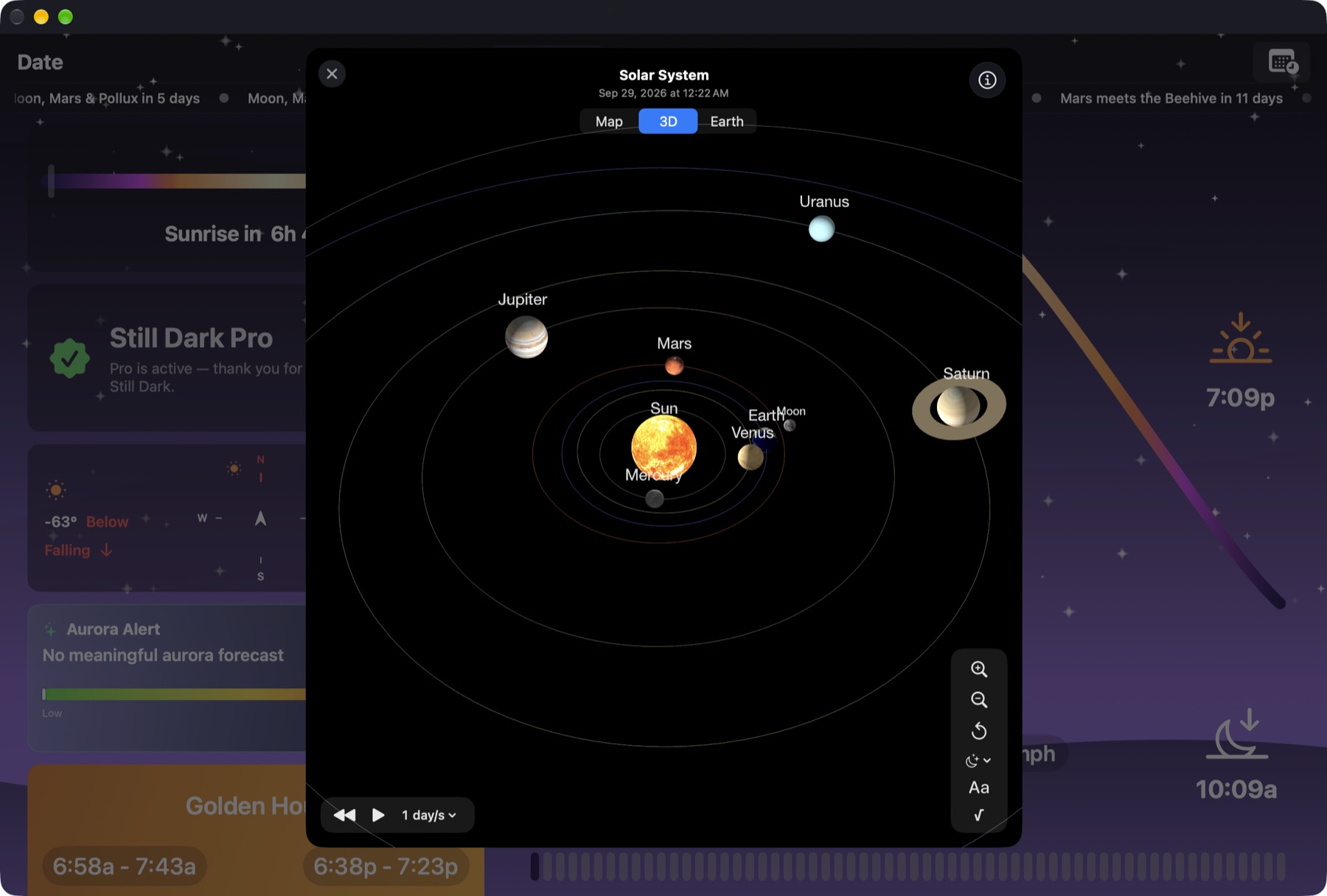
Textured globes, Saturn's rings, dozens of moons placed from real ephemerides, oppositions and elongations.
Photo planner
Camera field of view and depth of field drawn on the map. Measure distances and areas. Hyperfocal, subject distance, Moon size in frame.
Milky Way
When the galactic core rises tonight, and a score for each of the next 45 nights.
Sky events
Meteor peaks, eclipses with local circumstances, conjunctions, ISS and Starlink passes with brightness.
Observing weather
Low, mid and high cloud separately, transparency, dew point, wind and one stargazing score.
Aurora
NOAA OVATION probability, direction and height for your latitude. Hide the card if you don't need it.
Plans & reminders
Save a place, date and target. Export or import plans, and get a reminder before the event.
Works offline
Every position and time is calculated on the device, and the star and deep-sky catalogues come with the app, so it works with no signal.
Daylight & twilight
Golden hour, blue hour and twilight, to the minute.
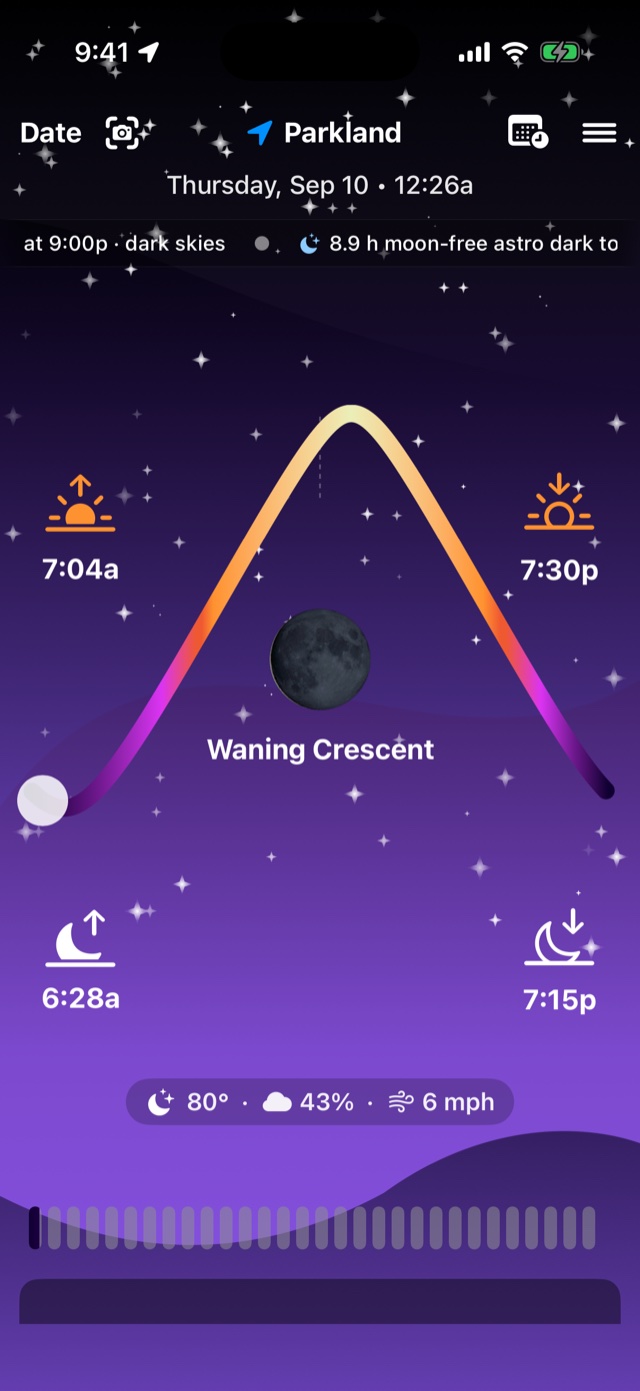
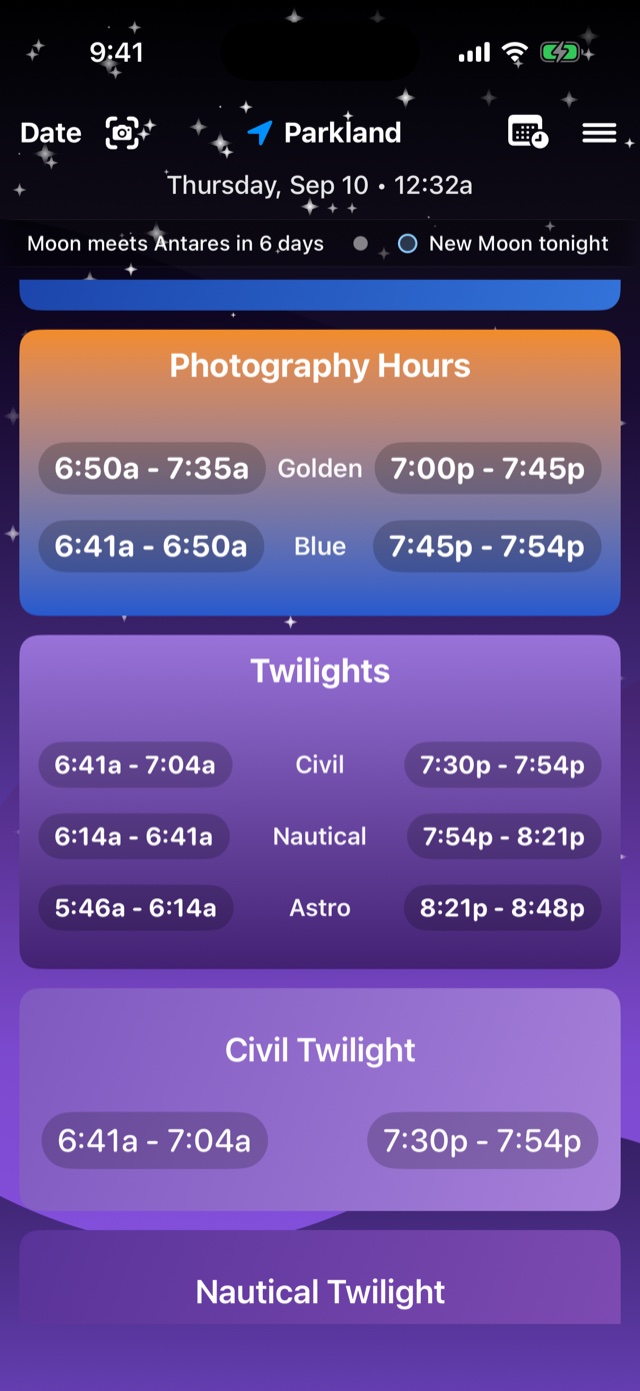
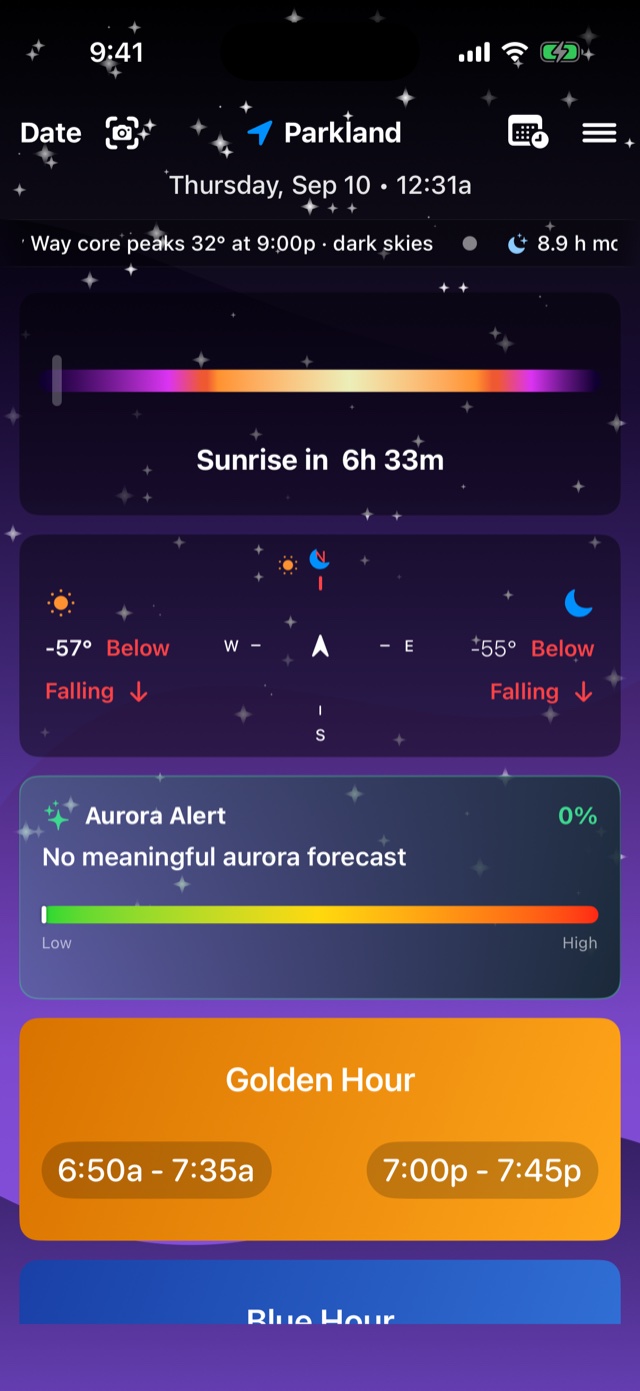
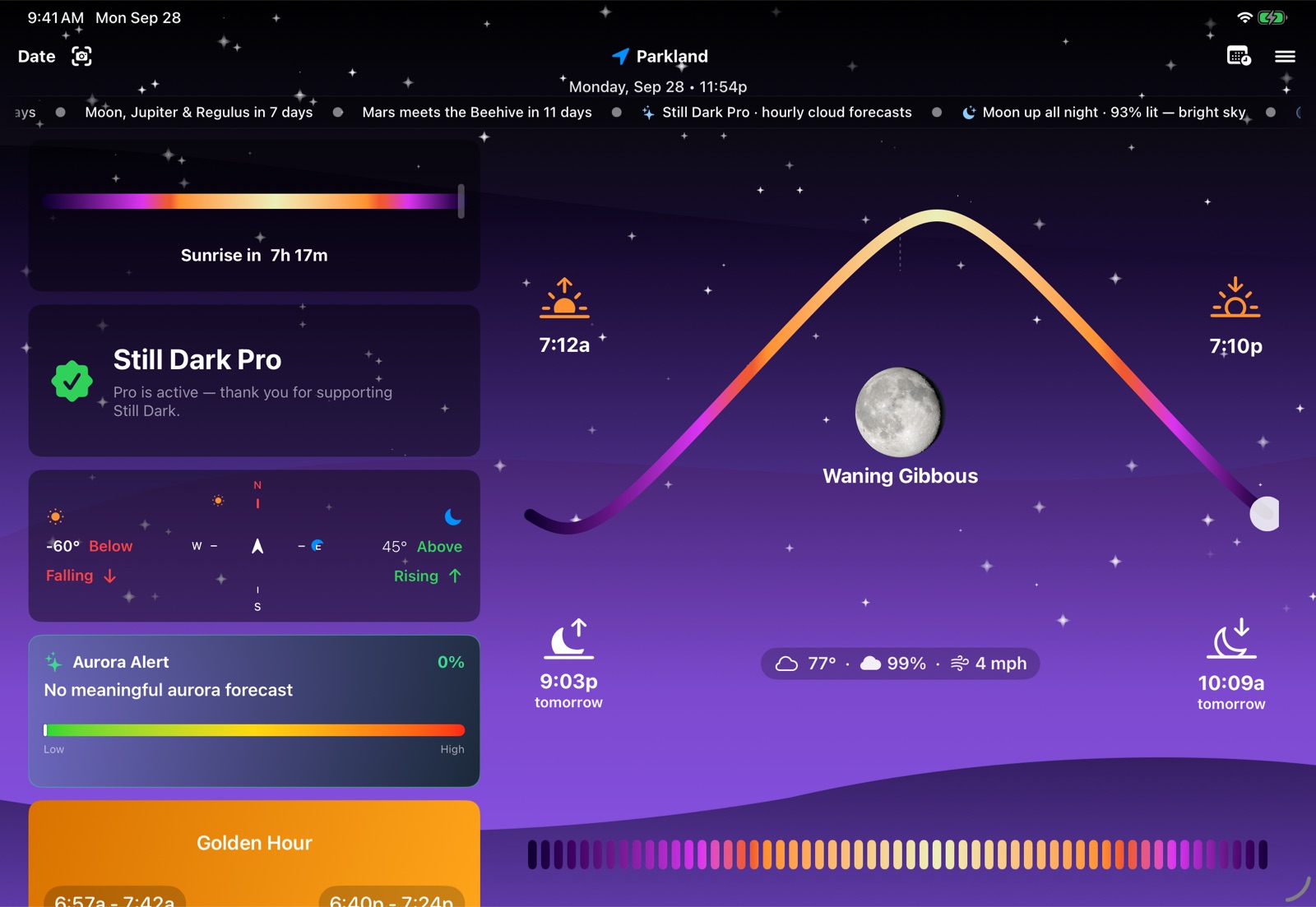
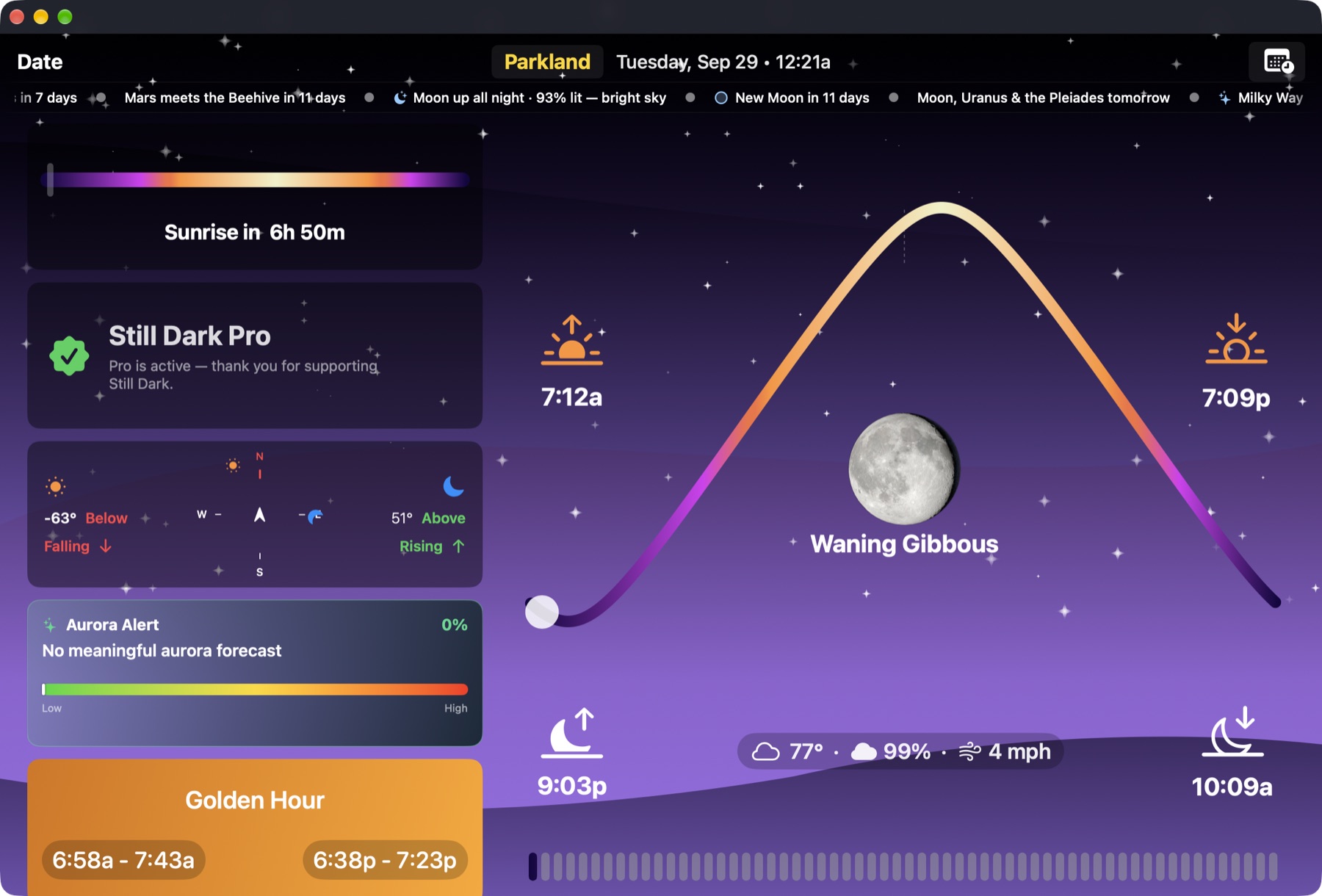
The home screen shows the whole day: the Sun's arc, the Moon's phase, and each golden hour, blue hour and twilight window. Drag the timeline to see how the light changes.
- Golden and blue hour, morning and evening, with live countdowns. Also civil, nautical and astronomical twilight.
- The Moon in detail: phase, age, illumination to one decimal, rise, set and transit with azimuths, distance and apparent size.
- A Sun & Moon compass in 2D and 3D that shows the shadow cast by an object of any height.
The 360° sky
The whole sky, down to faint stars.
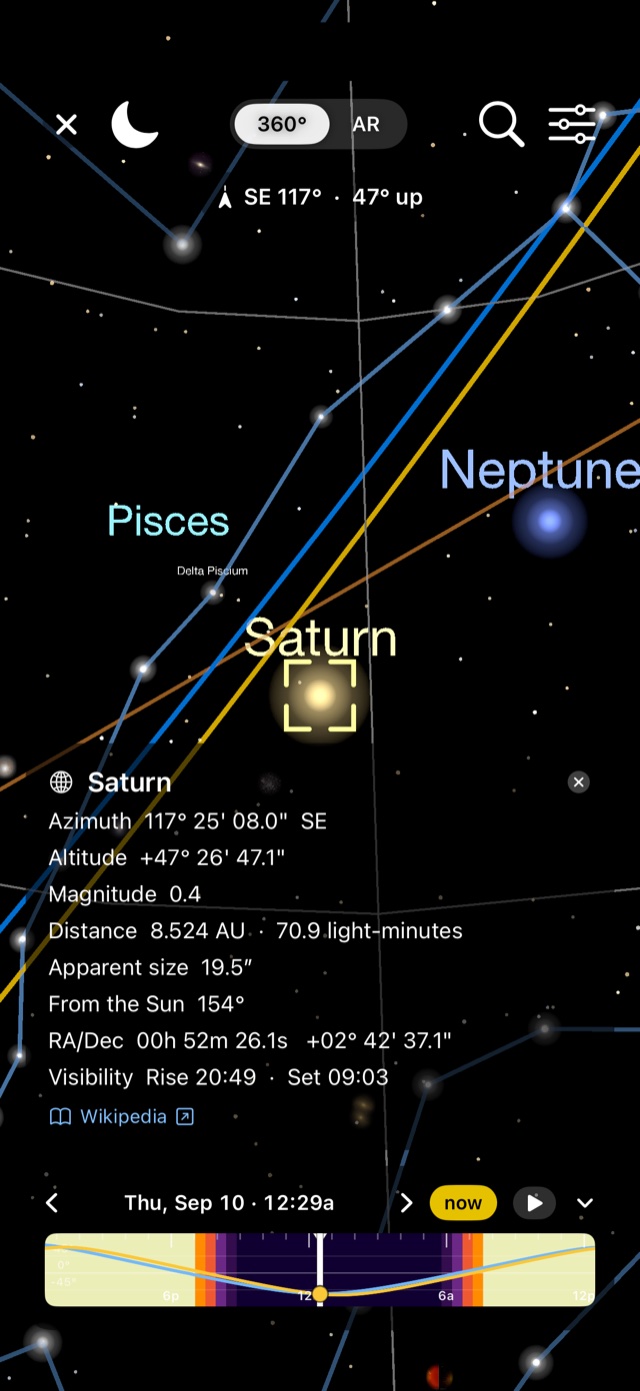
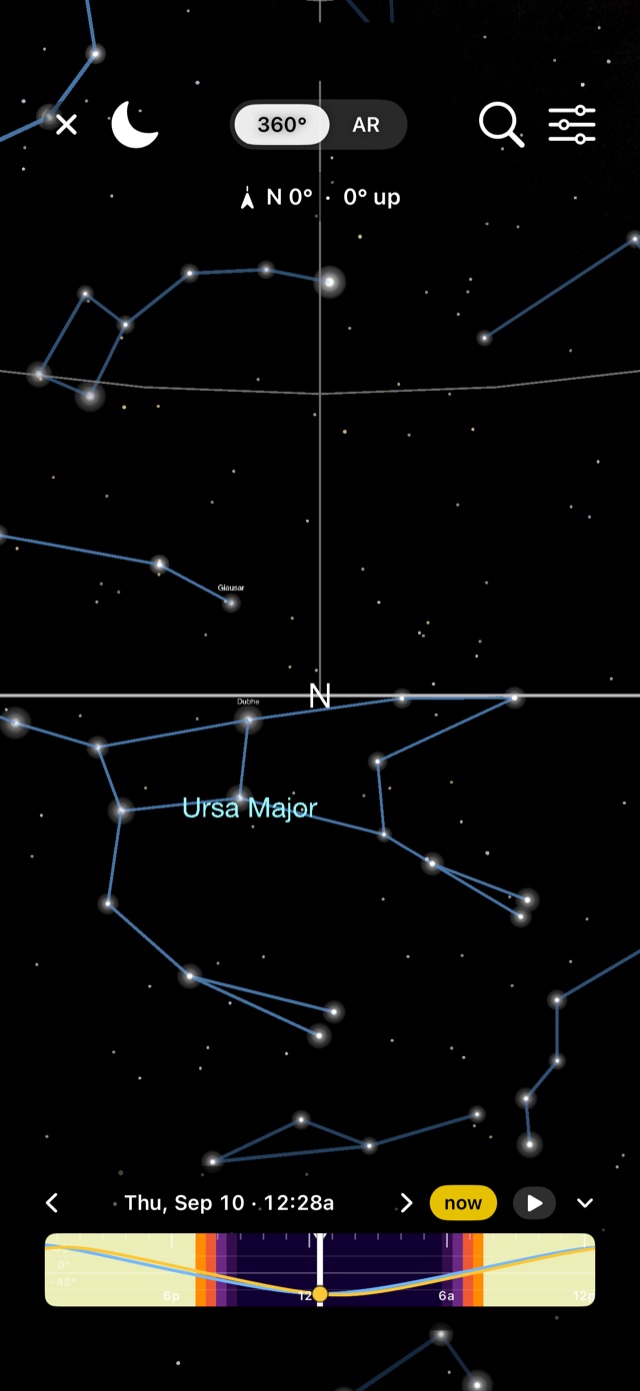
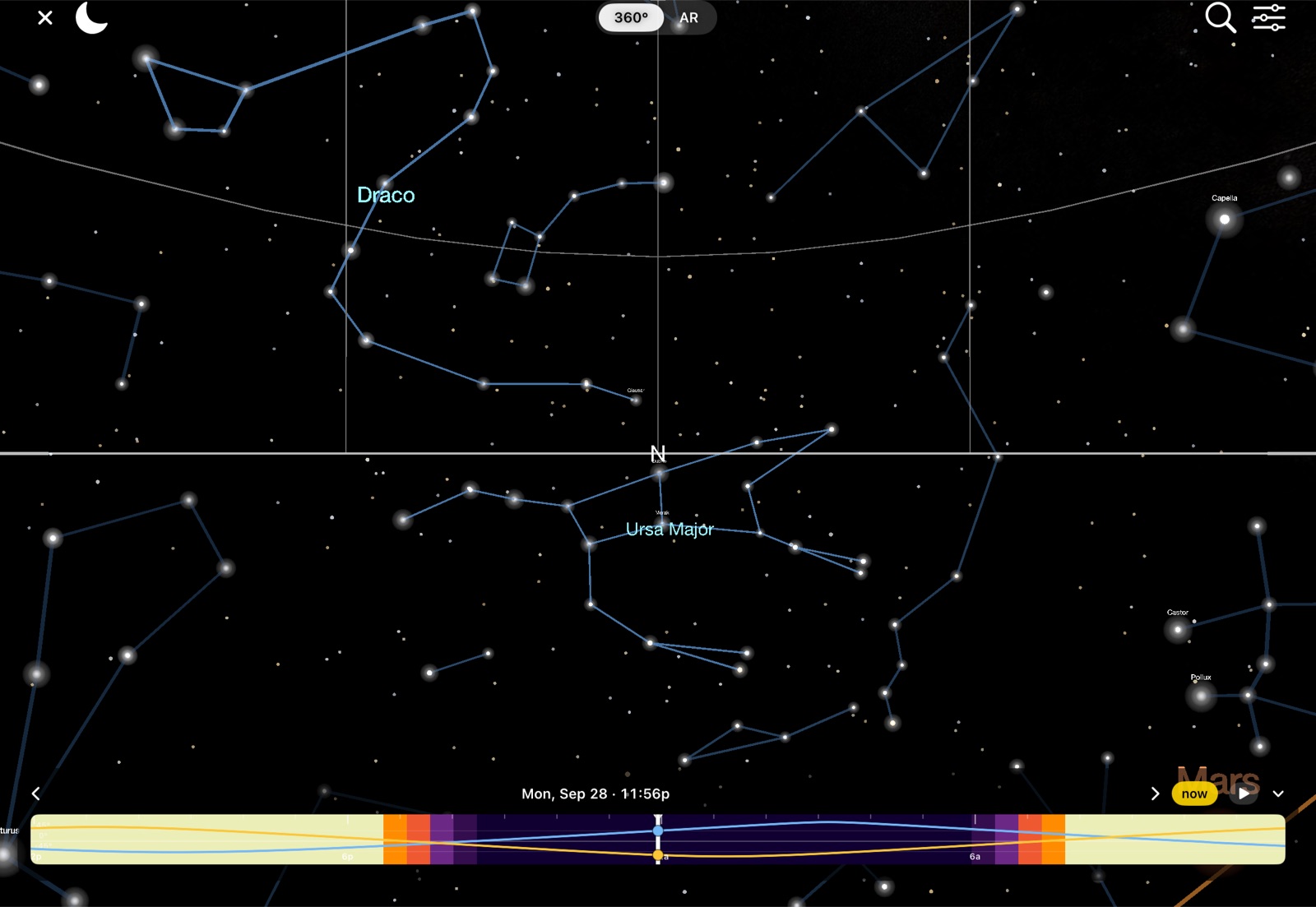
Pan around the whole sky and zoom in from naked-eye constellations down to faint Gaia stars: over 6 million come with the app on Mac, and 1.5 million on iPhone and iPad. Search for any object, tap it for details, and drag the scrubber to see the sky at another time.
- Planets shown as textured globes, Saturn's rings with the Cassini gap, and dozens of moons placed from real ephemerides.
- The deep sky: the Milky Way band, about 740 deep-sky photographs including all 110 Messier objects, the ecliptic and meridian.
- Tap anything for the full readout: azimuth and altitude to the arc-second, magnitude, distance, rise and set. You can also watch the ISS pass live.
What's up tonight
Sky events, worked out for where you are.
Every event is calculated on the device for your exact location. You get the geometry, the times, and whether the Moon will be in the way.
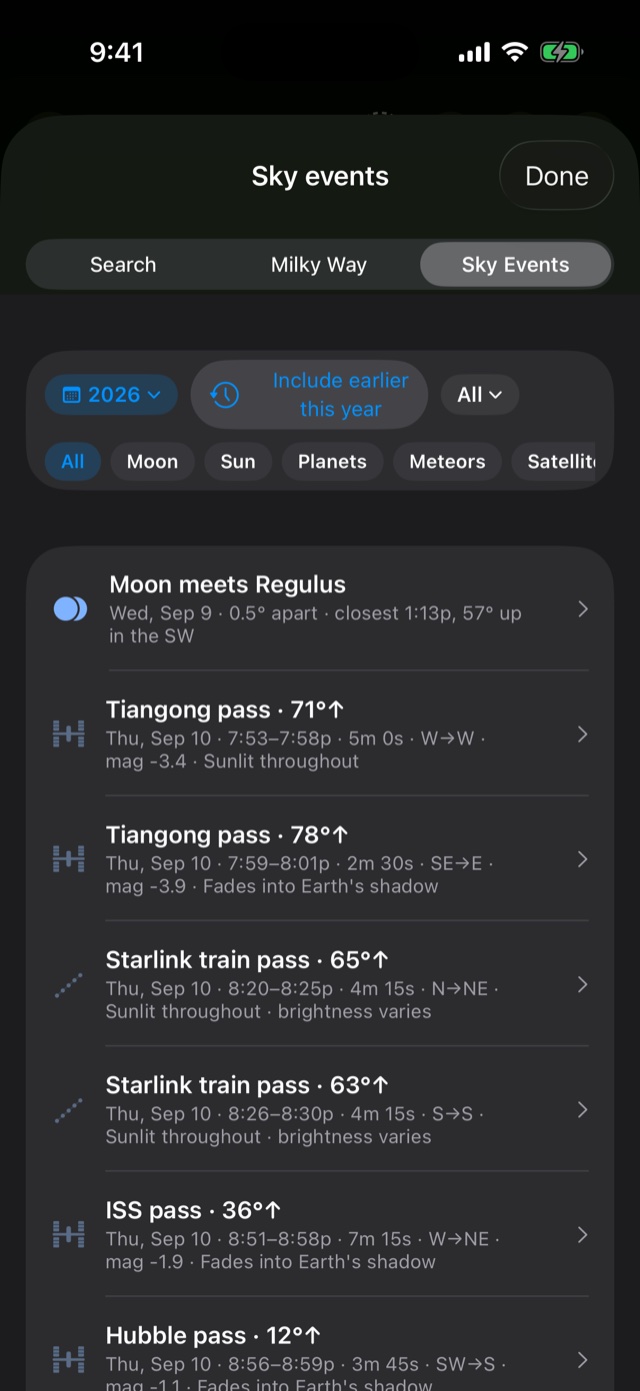
- Meteor peaks with radiant-rise times and whether the Moon interferes, and eclipses with coverage and timing for your latitude.
- Conjunctions and groupings, such as "Moon meets Regulus, 0.5° apart, closest 1:13p", plus oppositions and elongations.
- ISS, Tiangong, Hubble and Starlink passes with predicted brightness, direction and whether they fade into Earth's shadow.
Screenshots
Still Dark on iPhone, iPad and Mac.
Apple devices and Android
A native app on iPhone, iPad, Mac and Android.
Each device has its own layout. It isn't a wrapped web page or a stretched phone app. On Apple devices, your saved plans sync through iCloud. There's also an Apple Watch app, and widgets on iPhone, iPad and Android. On iPhone Duo, unfold the phone and you get the iPad layout.
iPhone
The whole planner on your phone, plus AR and the 360° sky.
iPad
A bigger layout with the map, cards and sun arc side by side.
Mac
A desktop layout with a resizable planetarium, the deepest star catalogue, and a sky ticker in the menu bar.
Android
The planner, the 360° and AR sky, camera tools and widgets on Android phones, from Google Play.
Press and asset requests: hello@stilldark.app
Learn the craft
Photography guides that include the planning.
How to photograph the Milky Way
When to go, the camera settings, and a step-by-step routine.
A huge Moon behind a landmark
How far away to stand, which focal length, and how to line it up.
Photograph a meteor shower
Where to aim, how long to expose, 2026–27 dates.
The Moon beside Venus
When pairings happen, which way to look, and how to expose in twilight.
Why Venus is the brightest planet
Why it's called the evening star and the morning star, and how to photograph it.
Supermoons and full Moon names
What they are, why the Moon looks bigger near the horizon, and the settings to use.
All guides What's in the sky this month Read the FAQ Help & user guide
Clear skies
Plan your next night under the sky.
Still Dark covers golden hour through to the galactic core, on the iPhone, iPad, Mac or Android phone you already have.